
4 days
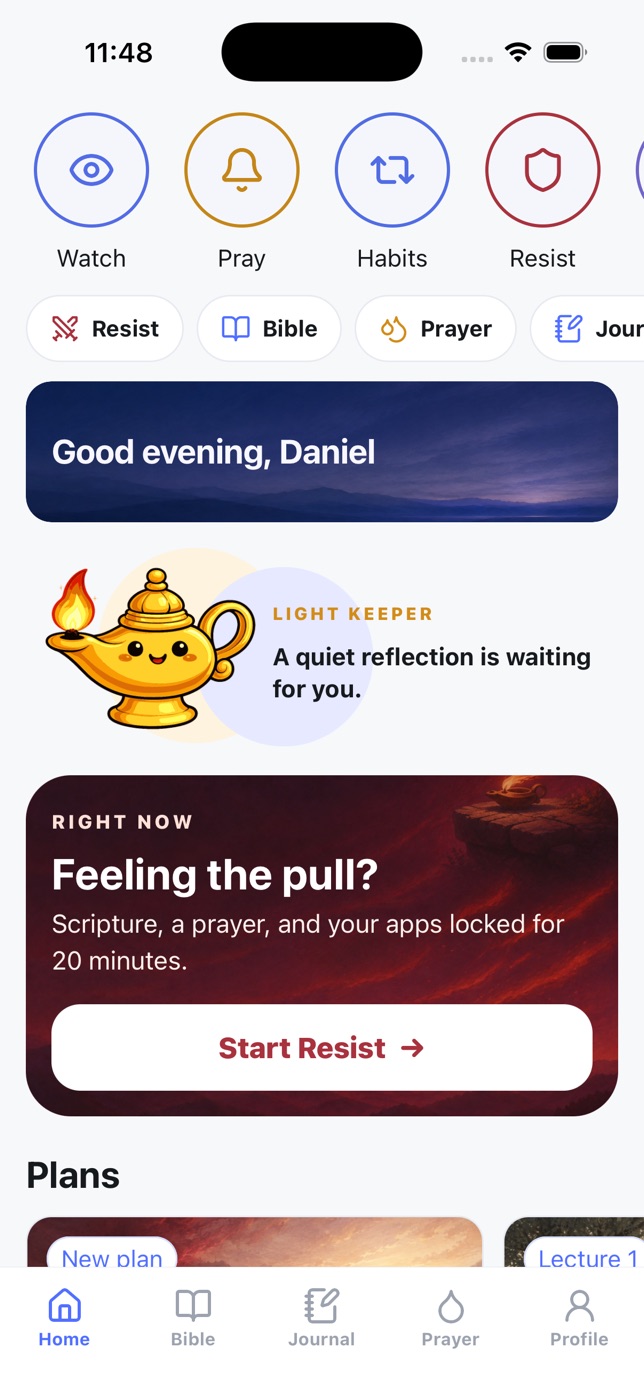
Standing Against Temptation
How temptation works, why it does not have the last word, and how to return without drowning in shame.
Watch and pray
Set the hours you mean to pray. When one arrives, the apps you chose close — and they open again the moment the prayer is finished, not when a timer runs out.
iPhone and Android · free to start
The lock
Most blockers make you wait. This one makes you pray — and then gets out of the way.
Morning at 7:30, midday, evening — or whatever your day actually allows. Each one repeats on the days you choose, and you pick which apps should close while it runs.
Instead of the feed you reached for, a shield says it is time to pray. One tap takes you into the prayer for that hour — not to a home screen, not to a menu.
The lock ends when the prayer is done. If you would rather pray longer, start a free session from the Prayer screen and everything else stays shut until you are finished.
When the pull comes
Temptation does not wait for your prayer window. Open Light Keeper, tap Resist, and the apps you chose lock for twenty minutes while Scripture and a written prayer walk you through the moment. Once it starts, the lock cannot be cancelled — not even by closing the app.
Resist the devil, and he will flee from you.James 4:7
When the twenty minutes are up, the app does not congratulate you. It says: now leave the phone. Take a short walk. Step away from the trigger before you come back.
Get Light Keeper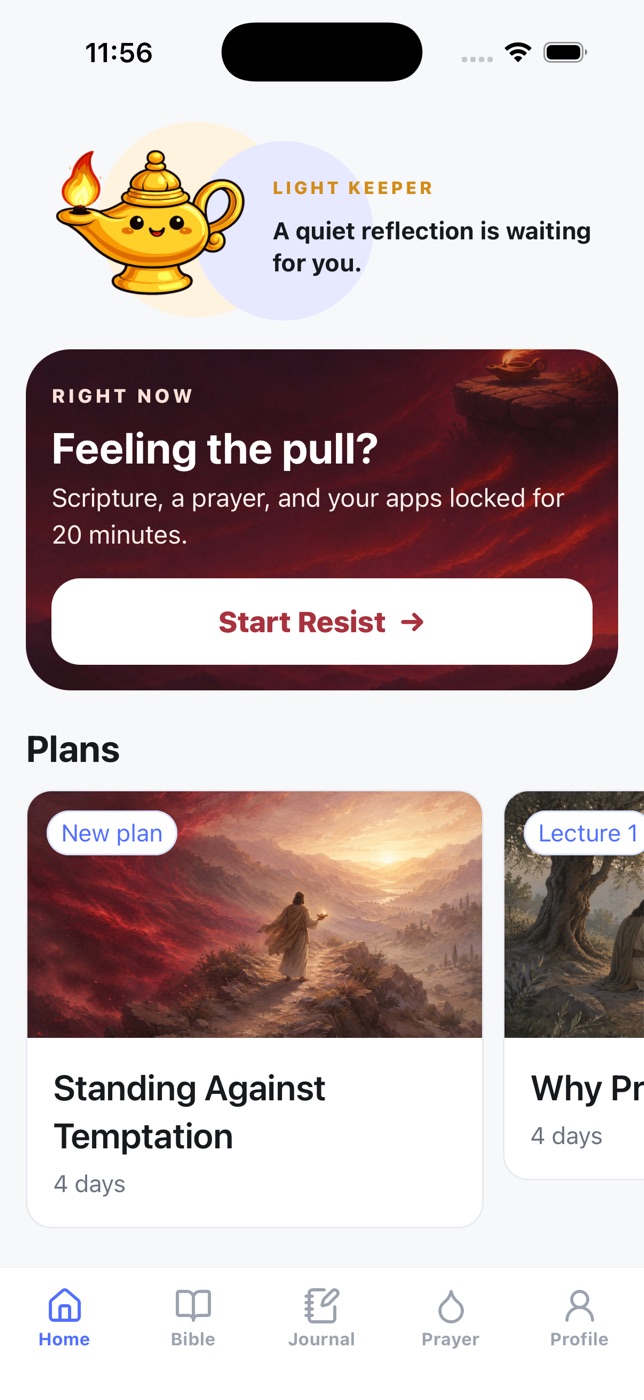
Inside the app
Not a blocker with a verse bolted on. The parts that keep a prayer life going are all in here.
The whole text, several translations, search, highlights, and a reader that remembers the chapter you stopped at. No connection required.
A page for whatever is true right now — and, on the days you would rather be asked, a two-minute check-in: how it went, what helped, what got in the way, one thing to do today.
Habits you shape deliberately, three at a time, each with a minimum you can keep on a bad day. Reviewed honestly rather than defended with a streak.
Every time you stand firm it is recorded. The app tells you plainly how many of the last seven days you kept — including the ones you did not.
Prayer, reading, Resist and journal marked across the month, so the hours that are hardest for you stop being a surprise.
A few days each, written for exactly the problem you opened the app with. The passage is built into the reading.
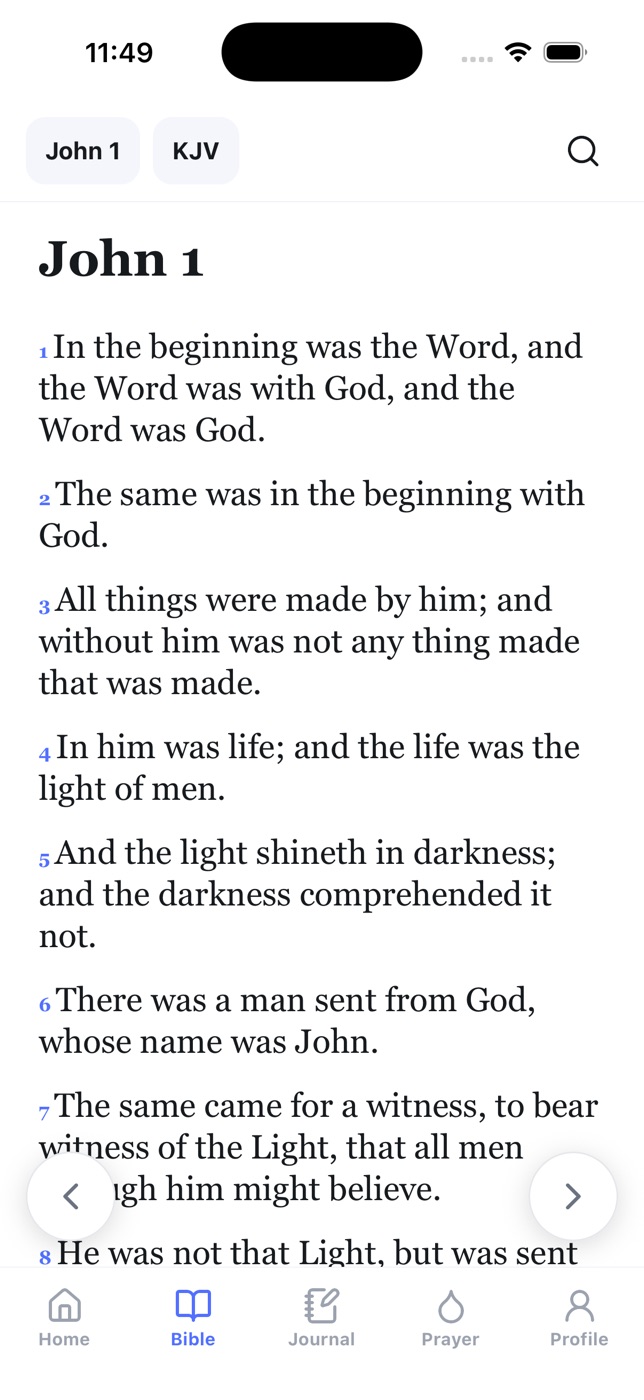
Bible — John 1, KJV
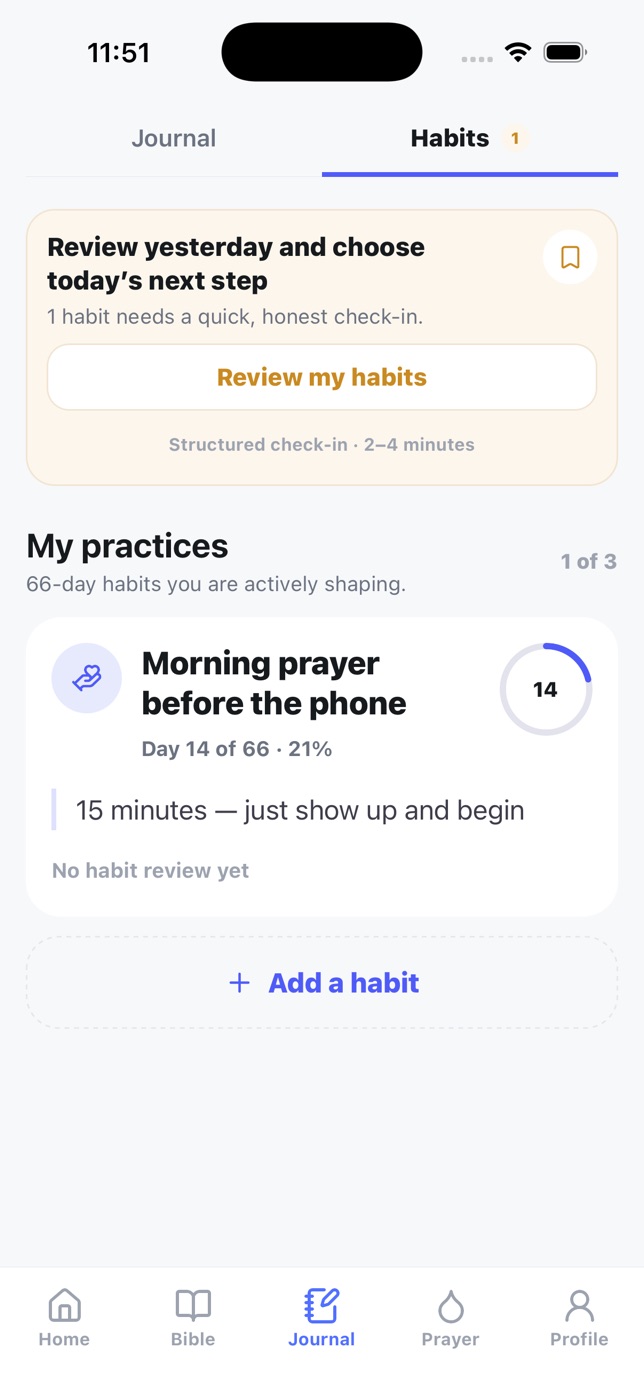
Practices — day 14 of 66
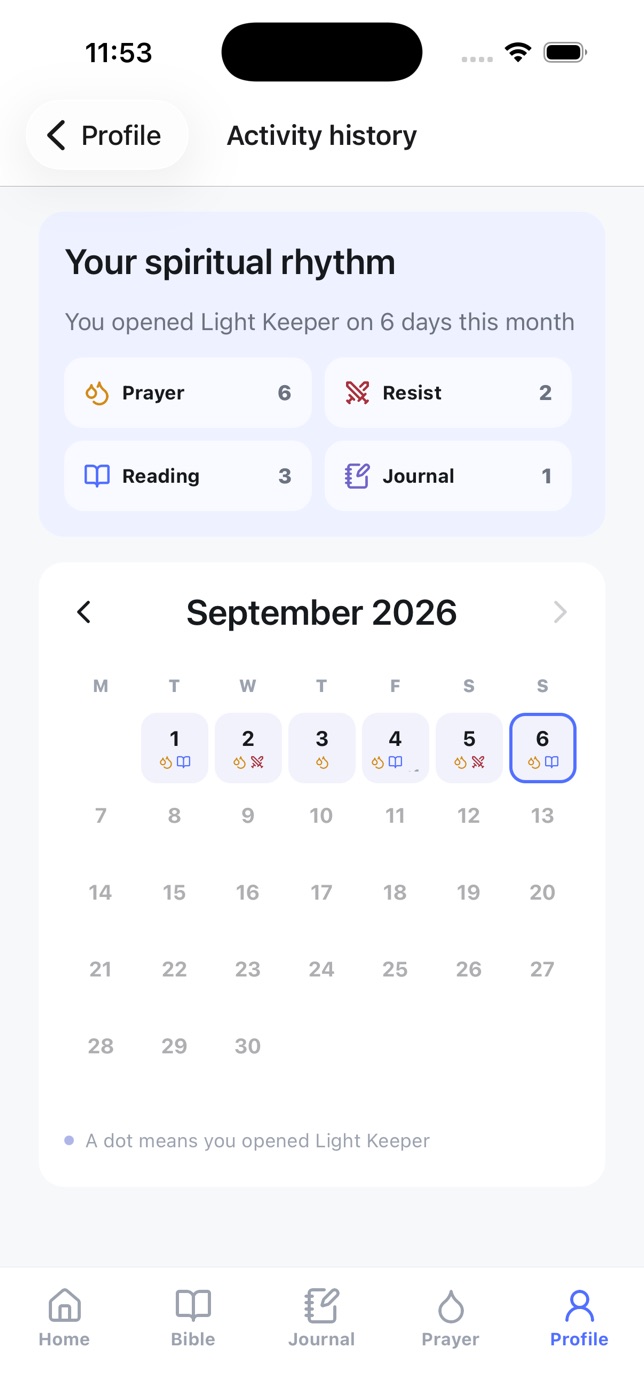
Rhythm — the month so far
Study plans
Each day is a devotional and a passage, five minutes or so, with the reading built in.
How temptation works, why it does not have the last word, and how to return without drowning in shame.
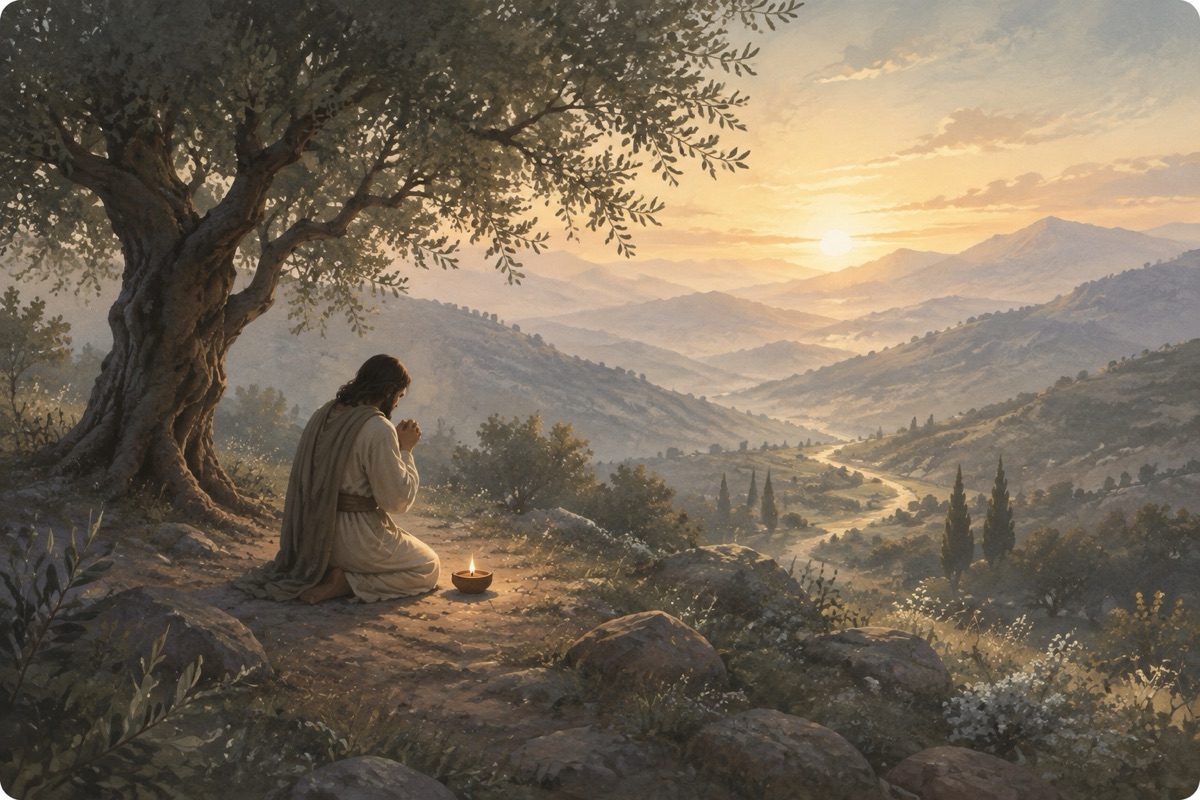
What actually changes when you pray — and what changes in you when you keep at it.
In His footsteps — a short walk down the road Jesus took, and what it asks of the way you walk yours.
Cover art still to come.
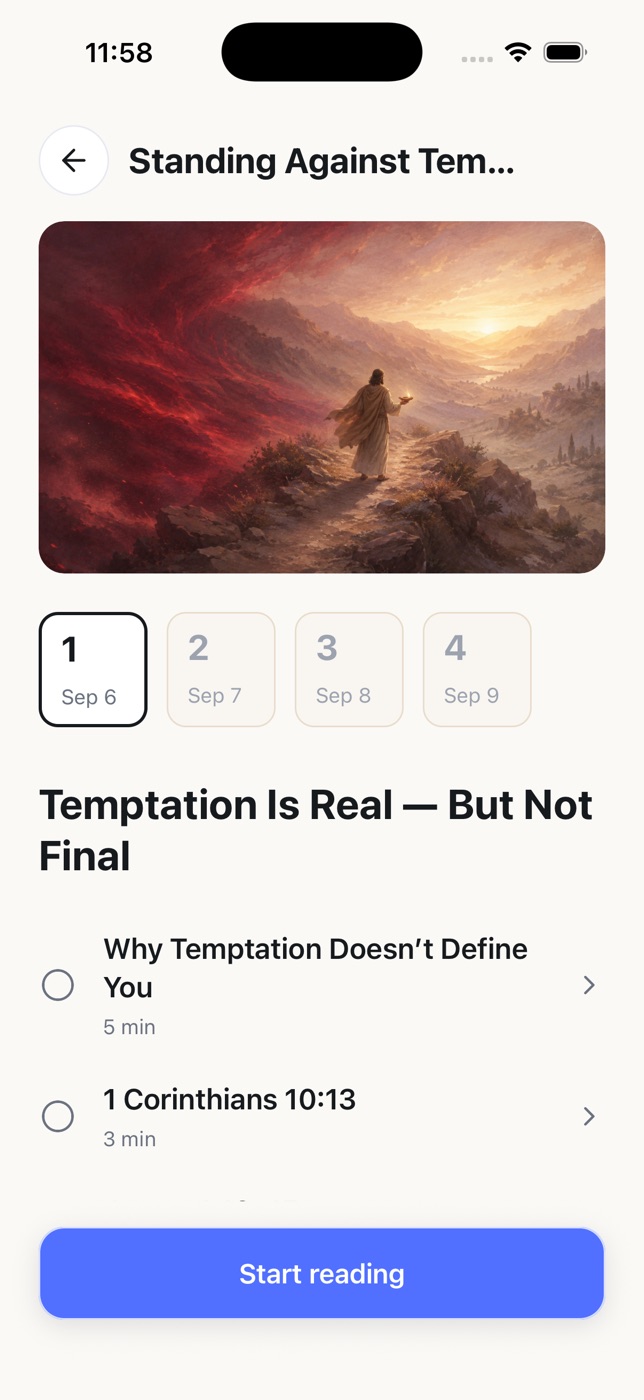
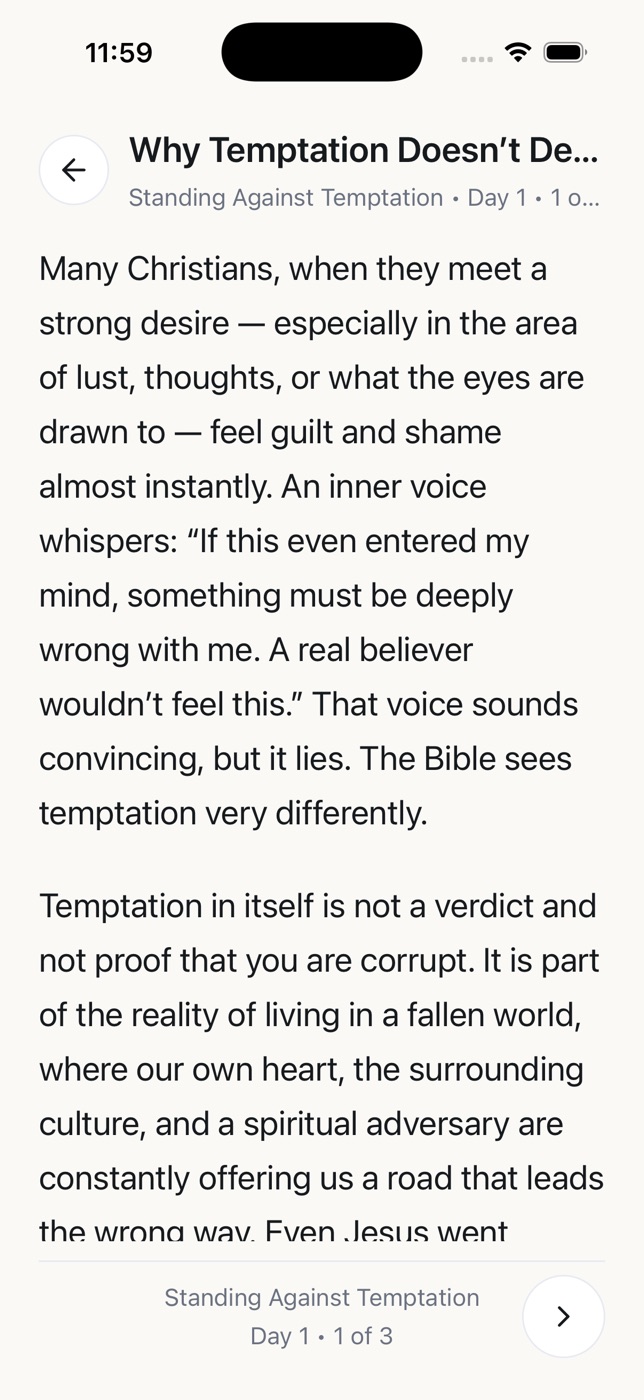
Open the day, read the devotional, read the passage it points to, mark it done. The next day waits for tomorrow rather than nagging you tonight.
How it talks to you
“One day does not define the path. Keep returning to what matters.”
Light Keeper is written to be honest rather than motivating. It shows the days you missed as plainly as the days you kept, because a habit you cannot see clearly is a habit you cannot fix.
There is no shaming, no streak you must defend, no badge for praying. Just the phone getting out of the way at the hour you said mattered, and something steady to reach for when it does not.
Privacy
Set one prayer time tonight. That is the whole beginning.